
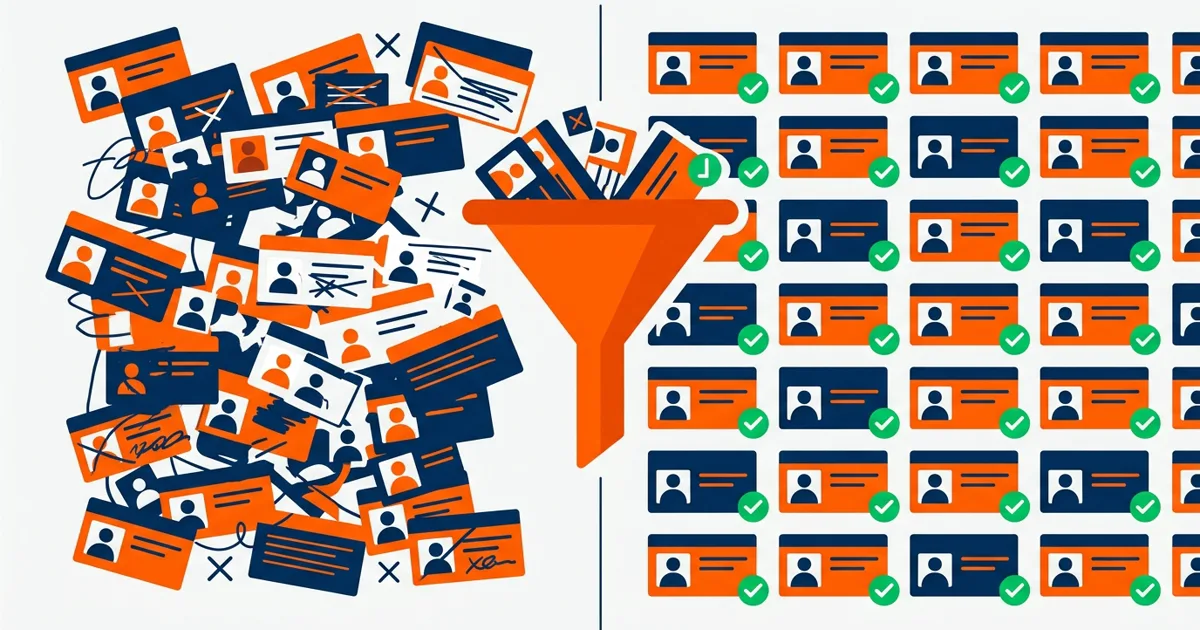
An ERP migration copies whatever you feed it. Feed it duplicate customers, dead SKUs, and inconsistent part numbers, and you pay to install your old problems in a new system, where they're harder to fix, because now they have transaction history attached. Data cleanup before migration is the least glamorous part of any ERP project and the strongest predictor of whether go-live goes well. We learned most of what follows by consolidating five acquired companies onto one system, where every data problem a company can have showed up at once.
What Dirty Data Does to a Migration
Three failure modes account for most of the damage:
- Duplicates become permanent. In our consolidation project, 34% of customer records were duplicates: the same company entered slightly differently across systems and years. Migrate those as-is and the new system opens with a fractured view of every major customer: credit exposure split across three records, sales history that understates everyone, statements that go out three times.
- Bad references break automation. The new ERP's workflows assume clean keys. Orders referencing retired SKUs, ship-tos pointing at closed locations, and units of measure that disagree between systems all become exceptions the new automation can't process. The system gets blamed; the data was the problem.
- Trust dies in week one. When the first reports out of the new system disagree with the old one, people conclude the migration failed and go back to their spreadsheets. Usually the new system is faithfully reporting the garbage it was given.
What to Clean, in Order
You cannot clean everything, and you don't need to. Priority follows transaction volume:
1. Customers and vendors
Deduplicate first. Matching is genuinely hard: "Acme Industrial", "ACME IND SUPPLY", and "Acme (Dallas)" may be one company or three. Use fuzzy matching on normalized names and addresses to generate candidates, and put humans on the uncertain ones. A wrongly merged customer is worse than an unmerged duplicate: one corrupts history, the other just annoys. Decide the surviving record's ID scheme before merging, and keep a cross-reference of every merge for the auditors and for the day someone asks where account 4471 went.
2. The item master
Retire what hasn't sold or moved in 24-36 months (flag, don't delete: history references it). Merge duplicate SKUs. Fix units of measure, which cause the most expensive post-migration surprises: a case-versus-each mismatch turns every transaction into an inventory error the day you go live. If your warehouse counts have been drifting, item master problems are usually why. The same cleanup pays off twice.
3. Open transactions
Open orders, open AR, open POs. These migrate as live working data, so they must be right, line by line if necessary. Closing out stale opens before migration (the PO from last year nobody received, the $12 credit memo nobody applied) shrinks the list to what a person can actually verify.
4. History, selectively
Most companies migrate 2-3 years of transaction detail and keep the rest queryable in an archive. Migrating ten years of history multiplies cleanup scope for data nobody will transact against. Decide the cutoff early; it halves the work.
How to Validate Before Go-Live
Cleanup without validation is hope. Three checks that catch most problems:
- Control totals. Customer count, open AR total, inventory value, open order value: old system and new system, side by side, with every difference explained in writing. Not "close enough". Explained.
- Trace ten real transactions end to end. Pick real orders, including ugly ones (partial shipments, credit rebills), and confirm they read correctly in the new system.
- Let the users try to break it. Give AR, purchasing, and customer service an hour each with converted data and their own accounts, and pay attention to what they say looks wrong. They know their data better than any script.
How Long This Takes
For a mid-size distributor or manufacturer: 4-8 weeks of focused work, run in parallel with the migration project's early phases, not before it as a separate effort. It needs a decision-maker with authority to say which duplicate survives and which SKUs retire. Committees stall here. Budget roughly 10-15% of the total migration cost for cleanup. Every project that skipped it spent more than that after go-live, under worse conditions, with an audience.
Uptimize Solutions does data cleanup and consolidation for manufacturers and distributors: before migrations, after acquisitions, or whenever the reports stopped being believable. See our data services or book a free workflow audit and we'll assess what shape your data is actually in.