
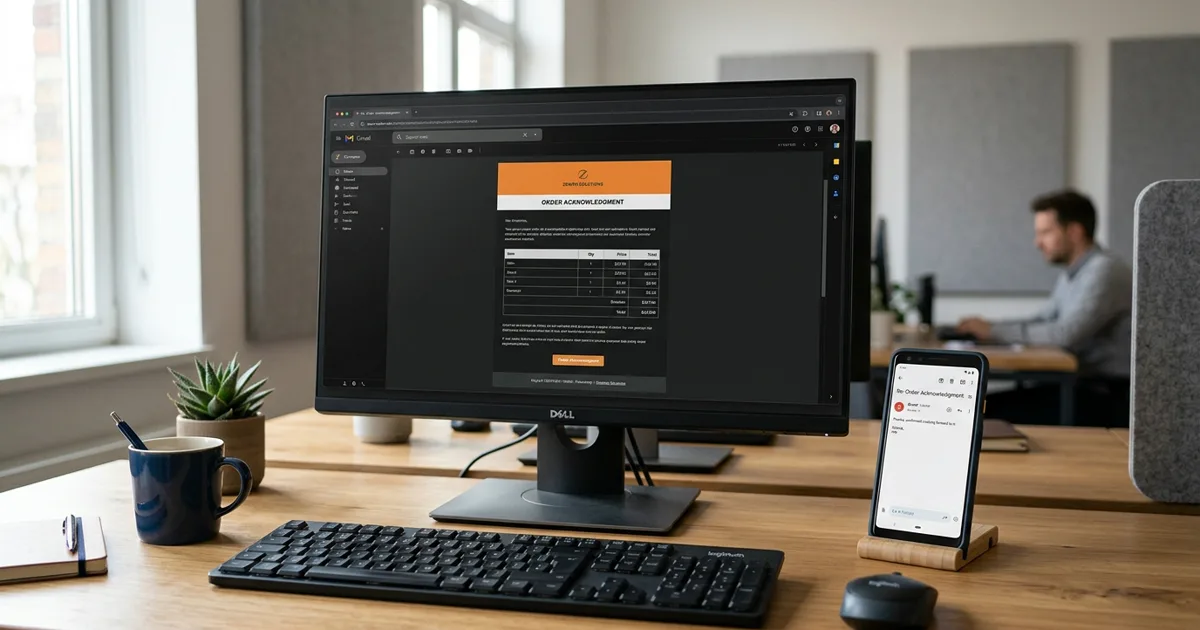
Two emails consume a surprising share of every customer service team's day. The first says "we received your order, here's what we have." The second says "we need one more thing before we can proceed": a missing frame color, an incomplete ship-to, a contact for the delivery. Both are written by hand, hundreds of times a week, by people copying details out of the ERP into Outlook. Both can be automated. The first is easy. The second is where the design gets interesting, because it has a reply. And the reply is where naive automation gets burned.
The Acknowledgment: Easy, With Two Rules
An automated order acknowledgment renders the order as your system understood it (lines, quantities, options, ship-to) and sends it when the order enters the pipeline. It confirms receipt and, more valuably, gives the customer a chance to catch a mismatch while it's still cheap to fix. "That should be 12, not 2" costs nothing on day zero and a return shipment on day twenty.
Two rules keep it from misfiring:
- Send from resolved data, not raw extraction. The acknowledgment shows the order after SKU translation and validation: what you'll actually build and bill. Acknowledging the raw text of the PO just confirms you can forward email.
- Know who not to send to. If some of your channels are your own brands or sister companies, an auto-acknowledgment is your company emailing itself, once per order, forever. The suppression rule belongs in the send path itself (server-side, not as a UI convention) because the day auto-send is enabled more broadly, every path that can send will send.
The Missing-Info Email: Ask Precisely, Bound the Answer
When an order arrives incomplete, someone has to ask the customer. Automating that well means three specific design choices:
Ask about their gaps, not your problems
Review flags come in two kinds: things the customer can fix (missing options, incomplete address, no contact) and things that are internal (low extraction confidence, an unmatched ERP account, a duplicate check). The email must contain only the first kind. A customer who receives "your account could not be matched in our system" has learned something confusing about your plumbing and nothing about what you need from them.
Ask specifically
"We need more information about your order" generates a phone call. "Line 2 (barstool, model 549): which frame color, black or walnut?" generates an answer. Each question should name the line and the exact field it fills, because that structure is what makes the reply processable by software instead of by a person reading a paragraph.
The questions you asked are the whitelist for the reply
This is the rule that makes the loop safe to automate, and it deserves emphasis. The customer's reply will often contain more than answers: "Walnut. Also, bump it to 50 units and ship to our Memphis warehouse instead." A quantity change and a ship-to change are business decisions: pricing, credit, and freight all move. The parser applies only answers to the questions that were asked; everything else routes to a person, verbatim, flagged as a request. Enforce that boundary in code, not in the AI prompt. A prompt is a suggestion; a whitelist is a guarantee. We wrote about this class of boundary in Human-in-the-Loop AI.
The mechanics of matching a reply to its order are worth one practical note: put a short reference token in the outgoing subject line and match on it when the reply comes back. Email threading headers are unreliable across mail systems (some strip them, some never had them), and a reply that can't find its order becomes, at best, junk in your intake queue, and at worst a new "order."
Proposals, Not Edits
Even a whitelisted answer shouldn't write straight to the order. In our production systems, a parsed reply becomes a proposal: the answer, the verbatim quote it came from, and a live diff of what it would change, waiting for a person to click apply. One subtlety earns its keep: the diff is recomputed at view time, because a proposal can sit for a day while someone edits the order by hand, and approving a stale diff is approving the wrong change. Auto-apply can come later, per field type, once the accuracy record justifies it, the same earn-your-autonomy pattern as everything else in this series.
What Changes
The acknowledgment goes out in minutes instead of whenever someone gets to it. The missing-info email goes from a hand-written note (or a skipped step: under deadline, asking is the step that gets dropped, and the order ships with a guessed frame color) to a generated draft a person approves. Replies stop being inbox archaeology and become queue items with diffs. And the whole exchange (what was asked, what was answered, who applied it) sits on the order's timeline when anyone asks later why line 2 is walnut.
None of it removes the human relationship; the emails are drafted, reviewed where it matters, and sent under your name. What it removes is the transcription: the fourth retyping of an order table into an email, the paragraph-reading to find "walnut" in a reply. That was never the part of customer service anyone was proud of.
Uptimize Solutions builds order communication automation (acknowledgments, missing-info loops, and reply processing with human review) as part of our AI workflow automation for manufacturers and distributors. See how it works or book a free workflow audit and count, with us, how many emails per order your team writes by hand.