
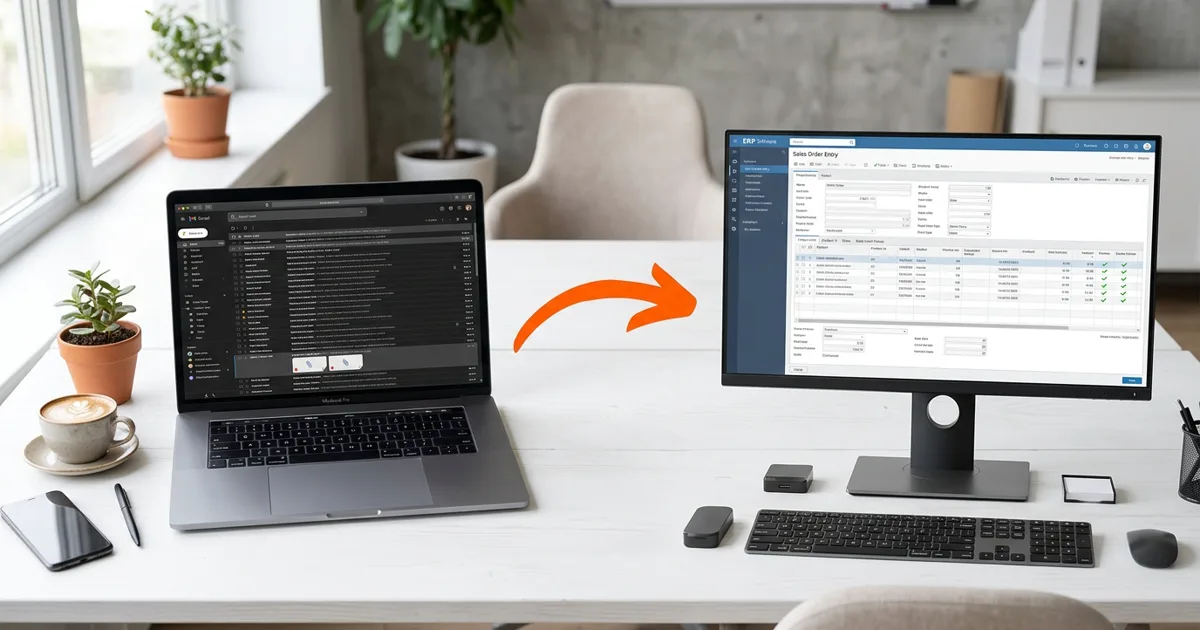
Order entry automation takes the purchase orders your customers send by email and turns them into sales orders in your ERP without anyone keying them. For a distributor or manufacturer taking 50-300 orders a week by email, it typically removes 15-40 hours of weekly data entry and gets orders into the system the same hour they arrive instead of the next day.
We build these systems for operations running Epicor P21 (see Prophet 21 order-to-cash automation), Sage, NetSuite, and Dynamics. This article walks through how the pipeline actually works, using patterns from projects we have in production right now.
How Orders Actually Arrive
Ask a customer service team where orders come from and you'll get a list like this:
- PDF purchase orders attached to email. The majority for most distributors. Every customer formats theirs differently.
- Orders written in the email body itself. "Please send 12 of part 549 to the Dallas store." No attachment, no structure.
- Spreadsheets, usually for blanket or multi-line orders.
- Photos of orders, taken on a phone in a warehouse or a job site.
- Web portal and EDI orders for the customers big enough to demand them.
The last category usually has some automation already. Everything above it lands in an inbox, where someone opens the message, figures out who the customer is, finds each part number, checks the pricing, and keys the order in. At 10-15 minutes per order, 200 orders a week is a full-time job and a half of pure transcription.
What the Automated Pipeline Does
A production order entry system does five jobs in sequence. Each one matters, and skipping any of them is how automation projects end up creating more work than they remove.
1. Ingestion
The system watches a mailbox. When an order email arrives, it pulls the attachment (or the email body, or the photo) and runs it through AI document extraction. Modern extraction handles PDFs, spreadsheets, images, and forwarded email chains, and it reads them the way a person would: finding the PO number, the ship-to address, the line items, quantities, and prices wherever they happen to sit on the page.
2. Customer matching
The name on the PO is rarely the name in your ERP. "Acme Restaurant Supply - Dallas" has to resolve to the right customer account, not a lookalike, because the order posts to that account's receivable. We match on normalized name and address against the ERP's own customer list, and anything ambiguous routes to a person instead of being guessed. A wrongly matched customer is worse than an unmatched one.
3. Part resolution
Customers order using their own part numbers, abbreviations, and descriptions. The system resolves each line against your item master and price list. When a customer's SKU maps to more than one of your parts, the line gets flagged for review rather than resolved by coin flip. Over time, confirmed matches become translation rules, so the same ambiguity never asks twice.
4. Validation
Before anything posts, the order runs through the checks your best CSR does by habit: Does the quoted price match your price list or this customer's negotiated pricing? Is the ship-to address complete? Is this PO number a duplicate of one already in the system? Price variances and duplicates are the two that save real money. A duplicate PO that gets entered twice gets built twice and shipped twice.
5. ERP posting
Clean orders post to the ERP as sales orders through its API or a direct integration. Orders with issues go to a review queue where a person sees the original document side by side with the extracted data, fixes what needs fixing, and releases it. The fix takes a minute or two instead of the ten it took to key the whole order.
Where Humans Stay in the Loop
The goal is not zero human involvement. The goal is human involvement only where judgment is required. In practice that splits about like this for a typical distributor after the first month or two:
| Order outcome | Share of volume | Human time |
|---|---|---|
| Clean match, posts automatically | 65-80% | None |
| Minor exception (one flagged line, price variance) | 15-25% | 1-2 minutes |
| Full review (new customer, unreadable document) | 5-10% | 5-10 minutes |
A useful rule from our deployments: every automated decision keeps its evidence. When the system extracts a quantity of 12, the review screen shows the exact spot on the PO where it read 12. The person approving isn't taking the software's word for anything, which is why teams come to trust it. We wrote more about this pattern in AI Won't Fix Your Broken Processes.
What Changes Operationally
The obvious win is the recovered labor. A distributor processing 200 emailed orders a week recovers 25-35 hours of CSR time, which typically goes back into quoting, follow-ups, and the customer calls that were getting short-changed.
The less obvious wins tend to matter more over a year:
- Same-hour order entry. An order that arrives at 9am is in the ERP by 9:15, which means it makes today's pick run instead of tomorrow's. For some of our clients that is a full day off lead time without touching the warehouse.
- Fewer entry errors. Manual keying runs 1-3% error rates. Wrong quantities become returns, freight both ways, and credit memos. Extraction with validation runs well under 0.5%.
- A record of everything. Every order carries its original document, its extraction, and every edit anyone made. When a customer disputes what they ordered, the answer is one click, not an inbox search.
What It Takes to Implement
A focused order entry automation for one inbox and one ERP typically runs 4-8 weeks. The first weeks are extraction and matching against your real order history: we test against the last few hundred orders you actually received, not sample data. Then the system runs in review mode, where everything it does gets approved by a person before posting. Full automation for clean orders comes only after the review period proves the accuracy, order by order.
The prerequisites are smaller than most teams expect: a mailbox we can watch, API or database access to the ERP, and your price list and item master. The customer list and part translations build themselves up from your ERP data and your team's review decisions.
Uptimize Solutions builds order entry automation for manufacturers and distributors on Epicor P21, Sage, NetSuite, and Dynamics. If your CSR team spends mornings keying orders out of an inbox, see how our AI workflow automation works or book a free workflow audit and we'll map what automation would look like on your order flow.