
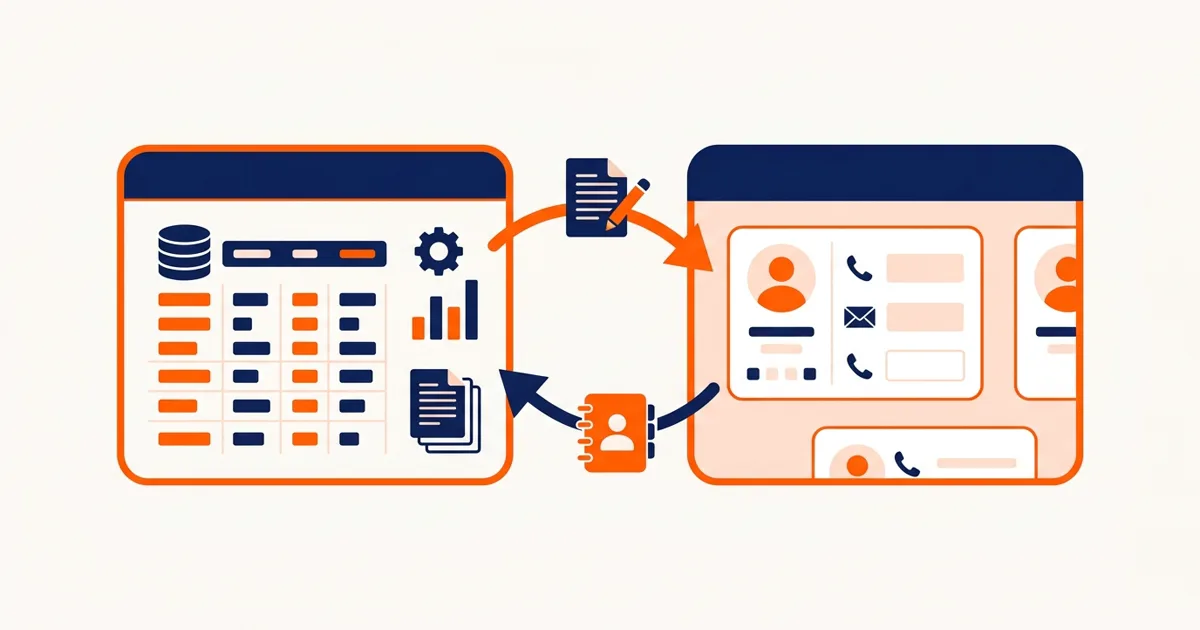
Integrating Epicor P21 with Salesforce means your sales team sees live ERP data (orders, AR, inventory, pricing) inside the CRM they already work in, and operations stops re-entering what sales already typed. Done well, the payoff is large: one distributor we built this for recovered 25+ hours a week and cut cross-system errors by 92%. This guide covers what to sync, which way each dataset flows, and where these projects go wrong. If you would rather have it built for you, see our Prophet 21 Salesforce integration service.
The Problem P21 Shops Know by Heart
P21 is a capable distribution ERP, and nobody's sales team wants to live in it. So the company buys Salesforce, and now there are two systems that don't talk. Reps call customer service to ask about order status. Quotes get built from stale pricing. New accounts get keyed twice, slightly differently, by two departments. Every one of those touches is a small tax, paid hundreds of times a week.
What to Sync, and Which Direction
The most important design decision is which system owns each piece of data. Two-way sync of everything sounds appealing and causes most of the failures we get called in to fix. The pattern that works:
| Data | Owner | Flow |
|---|---|---|
| Customers / accounts | P21 | P21 → Salesforce (new prospects flow the other way once they convert) |
| Orders and order status | P21 | P21 → Salesforce, near real time |
| AR balance / credit status | P21 | P21 → Salesforce |
| Inventory availability | P21 | P21 → Salesforce, on-demand or scheduled |
| Customer-specific pricing | P21 | P21 → Salesforce |
| Contacts, activities, pipeline | Salesforce | Stays in Salesforce (optionally surfaced to P21 users) |
Notice the shape: P21 owns facts, Salesforce owns relationships. The ERP is the system of record for anything that touches money or stock. The CRM is the system of record for conversations and pipeline. When each dataset has exactly one owner, conflicts stop being possible instead of being handled.
How the Integration Is Built
P21 offers a few integration surfaces, and the right choice depends on your version and hosting:
- The P21 API is the front door for creating and updating records. It enforces P21's business logic, which you want for anything that writes.
- Direct database reads against the P21 SQL Server database are the workhorse for outbound sync. Reading views for order status, AR, and availability is fast, doesn't burn API transactions, and can't corrupt anything. Writes never go this way.
- Middleware in between handles the mapping, transformation, retry, and logging. We typically build this layer in Node-RED or as a small service, because both sides' field models need translation: P21's customer structure and Salesforce's account/contact hierarchy don't line up one-to-one.
Sync cadence matters less than people expect. Order status flowing every few minutes is indistinguishable from real time for a sales rep. What matters is that failures retry automatically and get logged where someone will see them, because a sync that silently stops is worse than one that never existed: people trust the stale data.
The Pitfalls That Sink These Projects
Duplicate account matching
Salesforce has "Acme Industrial", P21 has "ACME INDUSTRIAL SUPPLY CO". Before any sync runs, the two customer lists need matching, and the matches need human review of the uncertain ones. Guessing wrong here posts real orders to wrong accounts. Budget real time for this step; it is the least glamorous and most important part of the project.
Field mapping edge cases
Multiple ship-tos per customer, national accounts with child locations, customers on credit hold. Each has a representation in P21 and needs a deliberate one in Salesforce. The demo works without handling these. Production doesn't.
Ignoring who fixes what
When a rep spots a wrong address in Salesforce, where do they fix it? If the answer isn't obvious and enforced by the integration (fix it in the owner system; the sync propagates it), people fix it in the wrong place and the sync overwrites their fix, which is how integrations lose the sales team's trust in week one.
What Results to Expect
From the project behind our case study, on a distributor running P21 with an outside and inside sales team:
- 25+ hours a week of rekeying and status-checking eliminated across sales and customer service.
- 92% fewer cross-system data errors, because data is entered once, in one place.
- Order-status calls to customer service nearly stopped. Reps answer from the account page.
- Payback in about 4 months against the integration cost.
A focused P21-Salesforce integration (accounts, orders, AR, availability) typically takes 4-8 weeks. Wider scopes with pricing, quoting, and custom objects run longer, and are usually better delivered in phases so the sales team sees value in the first month.
Uptimize Solutions builds P21 integrations for distributors: Salesforce, ecommerce, warehouse tools, and AI-driven automation on top. If your sales and ops teams are passing data by phone and email, see our Prophet 21 Salesforce integration service or book a free workflow audit to scope what a sync would look like on your instance.