
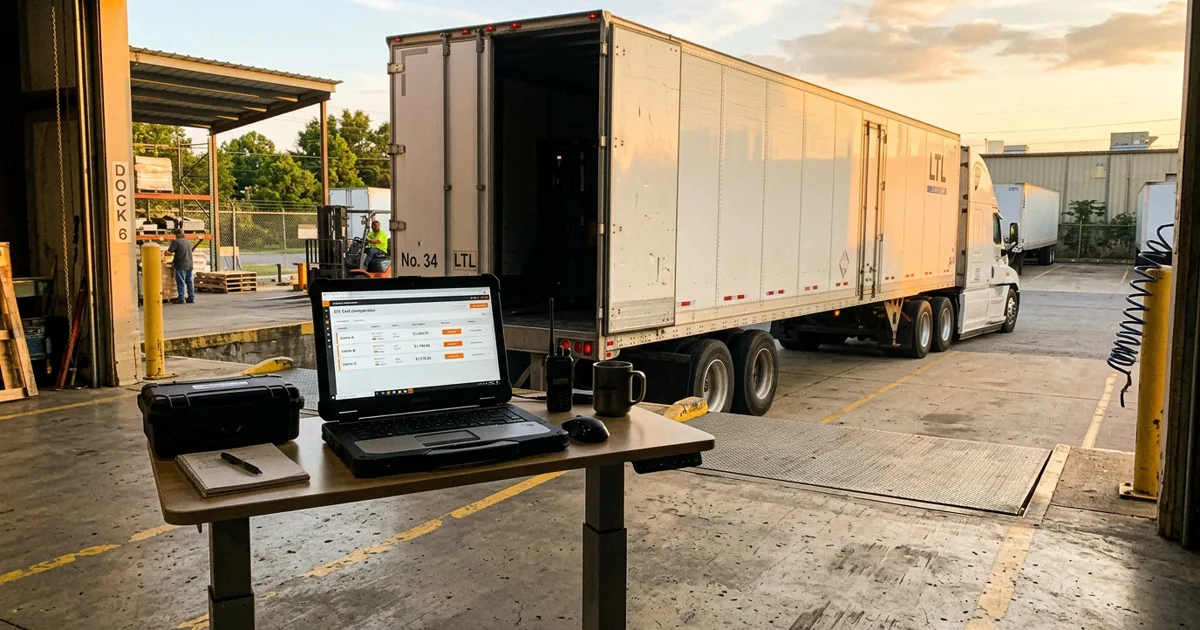
At most distributors and manufacturers, shipping runs on a swivel chair: the shipment gets keyed into the ERP, then keyed again into a carrier portal for rates, again to book, and the tracking number comes back by email to be pasted into the order. Carrier and TMS APIs can collapse all of that into the order screen: rate shopping, booking, tracking, and even the signed paperwork flowing back automatically. We've built this integration for the LTL and parcel lanes manufacturers actually use, and this article covers what it delivers and the quirks nobody's documentation mentions.
What Carrier Integration Actually Delivers
Rate shopping where the decision happens
Instead of a portal login, the shipping screen asks the carriers (directly or through a TMS aggregator) for live rates on the actual load: weight, class, accessorials, destination. Back comes a grid (carrier, price, transit days, service level) and the shipper picks. The savings are real and boring: picking a $310 lane over a $370 lane a few times a day compounds, and the freight class gets computed from density instead of guessed. Expect the rate call to take 10-15 seconds; the carriers themselves are the latency, and the UI should say so rather than look frozen.
Booking without rekeying
The booking call sends what the ERP already knows (addresses, weights, references) and returns the PRO number, the carrier's BOL, and often a label. No transcription, which matters more than convenience: a mistyped consignee city doesn't just misroute a truck, many booking APIs will reject it outright, so clean structured addresses in your ERP become a prerequisite. (Half our carrier integration work is usually address hygiene, not API code.)
Tracking that comes to the order
Status updates flow back and attach to the order and the customer record, which kills the daily "where's my freight?" call chain: customer service answers from the order screen instead of calling the warehouse, who would have called the carrier.
Paperwork that files itself
The BOL, the label, and eventually the signed proof of delivery, pulled and stored against the shipment automatically. The POD matters most and is wanted least often: typically during a dispute months later, which is exactly when it must not have vanished. More on that below.
The Quirks the Documentation Doesn't Mention
Carrier and TMS APIs are workable, but they were mostly designed for their vendor's portal, not for your integration. Hard-won specifics:
- Booking is asynchronous. You submit, then poll while the tender works through the carrier's side. Sometimes the confirmation outlasts your patience window, but the shipment is still booked. The integration has to treat "submitted, pending" as a real state with a fallback path, or you'll double-book freight that was merely slow.
- Your reference number is the key: set it or lose it. Many TMS APIs can only look up shipments by a reference the caller provided at booking time. Shipments booked by hand in the vendor's portal may be invisible to the API afterward, permanently. If your team books some freight manually, plan for a push feed (webhook) from the TMS rather than assuming you can query everything later.
- Document links expire. Carrier APIs commonly return PODs and BOLs as short-lived signed URLs, not files. A URL saved in your system is a document you don't have. Archive the bytes at retrieval time, immutably: a reprint or a re-fetch months later must return the document as it was, because "which BOL did the driver sign" is a legal question, not a display preference.
- The quoted carrier isn't always the hauling carrier. On LTL lanes booked through an aggregator, the freight may move under a different carrier than the one on the tender, and the actual hauler (and actual cost) come back later through tracking events. If your shipment log and customer invoice name the carrier, populate them from the event data, not the booking.
- Every lane is different. Parcel, LTL, and your own trucks have different data models: a parcel shipment has a tracking number per box, an LTL load has one PRO for six orders, your own truck has neither. Design the shipping model around the load, not around any one carrier's shape.
Where to Start
The full vision (every lane, every document, every event) is a big project. The value curve isn't linear, so sequence it: rate shopping first (immediate, visible savings, read-only risk), booking second (kills the rekeying), tracking and documents third (compounding quality-of-life and dispute protection). A first phase covering rate-and-book on your highest-volume lane typically runs 4-8 weeks including the address cleanup, and pays for itself in freight savings and recovered shipping-desk time before phase two starts.
One prerequisite worth stating plainly: carrier integration amplifies whatever order data you have. If ship-to addresses live as free-text blobs and weights are folklore, fix that first. It's cheaper than teaching an API to guess.
Uptimize Solutions connects ERPs to carriers, TMS platforms, and parcel systems for manufacturers and distributors: rate shopping, booking, tracking, and document archiving wired into the order flow. See our distribution work or book a free workflow audit and tell us how many times your team types each shipment. We'll count along.